Working from home has its perks: no commute, setting your own hours, and being cozy. But, lots of folks don’t realize how important lighting is. Bad lighting at your desk can make you squint, give you headaches, and even hurt your eyes. It can also make you less productive. A single ceiling light just isn’t enough for a home office today.
Let’s talk about the difference between task lighting and ambient lighting. Plus, we’ll cover how to use them together. This can make you more comfortable, help you focus, and even make you look better on video calls. Task lighting gives you direct light for reading or writing, while ambient lighting fills the room softly. Mixing both helps avoid harsh shadows that tire you out and makes your whole office feel better lit.
In this article, you’ll find tips from top guides like the Ultimate Guide to Home Office Lighting. We’ll tell you about the best desk and floor lamps from big names like Herman Miller and Philips. You’ll get simple steps to pick the right lights, choose the best color warmth, and set up a workspace that helps you stay focused all day.
Key Takeaways
- Good workspace lighting uses both task and ambient lights to keep your eyes healthy.
- Task lighting shines on what you’re working on; ambient lighting smooths out overall brightness.
- Combining lights makes your work area better lit and improves how you look on camera.
- When shopping for home office lights, find ones you can adjust and that have the right color warmth.
- Use reviews and guides to find lights that fit your budget and office size well.
Understanding Task Lighting: Purpose, Types, and Specs
Task lighting shines light right where you need it, so you can see better and reduce eye strain. It’s perfect for areas where you do detailed work, like on desks or with crafts. When the room’s light isn’t enough, task lighting can help you see every detail clearly.
What task lighting is and when you need it
Task lights are great for activities that need your full attention, like reading or sewing. In rooms without windows, they keep everything brightly lit to avoid shadows. They also make you look good in video calls by lighting your face evenly.
Common task lighting types and real-world examples
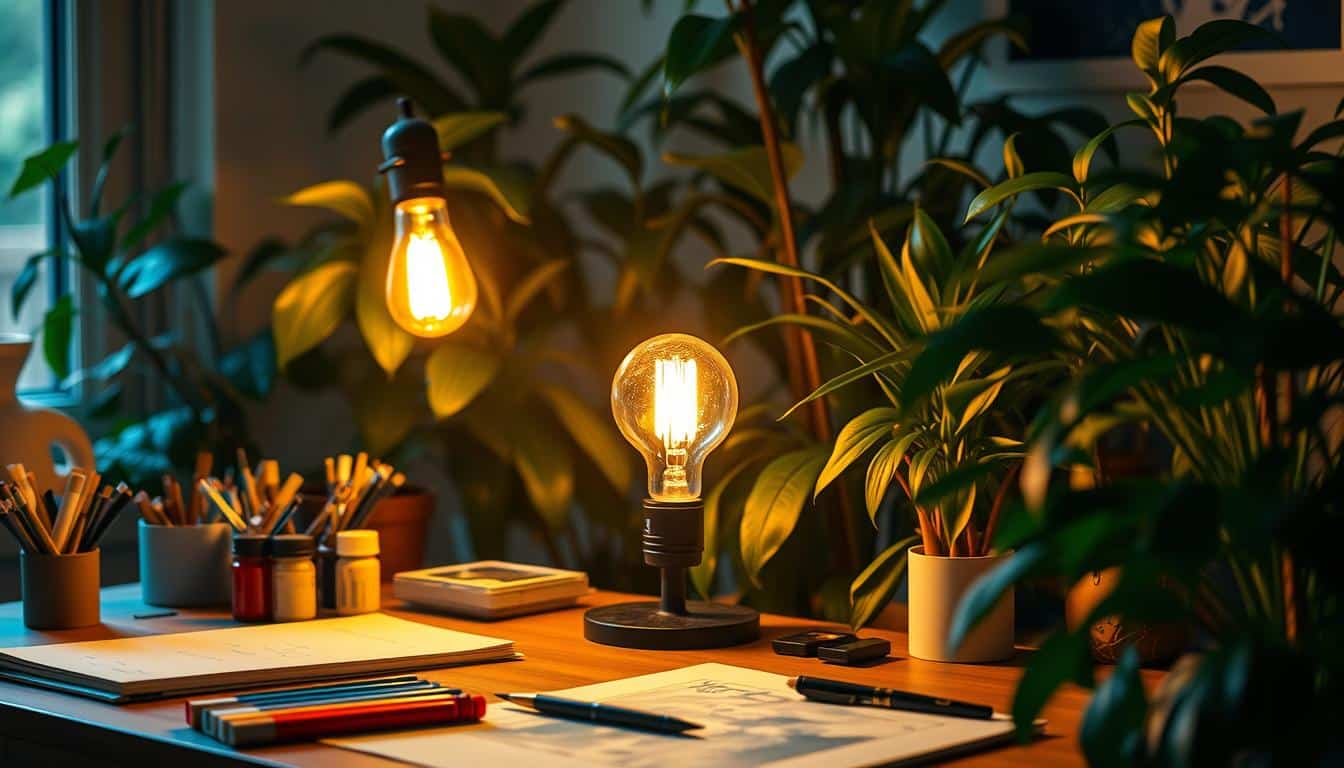
Desk lamps with adjustable arms are very popular. The Edge Light 2.0-style fixtures, for example, let you direct light exactly where you need it. A light bar over your monitor or LED strips under cabinets are also good choices. You can use an adjustable floor lamp or a small ring light for better video calls, too.
Technical specs to look for in task lights
- Brightness: For desk work, aim for about 500 lux. This range is from 450 for computer work to 1,000 lumens for reading and writing.
- Make sure the light spreads evenly across your workspace without creating bright spots.
- Pick lamps with a CRI of 90 or more for true color and natural-looking skin tones.
- Choose a color temperature that fits your task: 3,500K-4,100K for reading, and cooler tones for work that needs focus and alertness.
- Look for lamps you can dim and adjust to direct the light right where you need it.
- Avoid glare by placing lamps correctly and choosing ones that don’t reflect on your screen.
Understanding Ambient Lighting: Role, Fixtures, and Best Uses
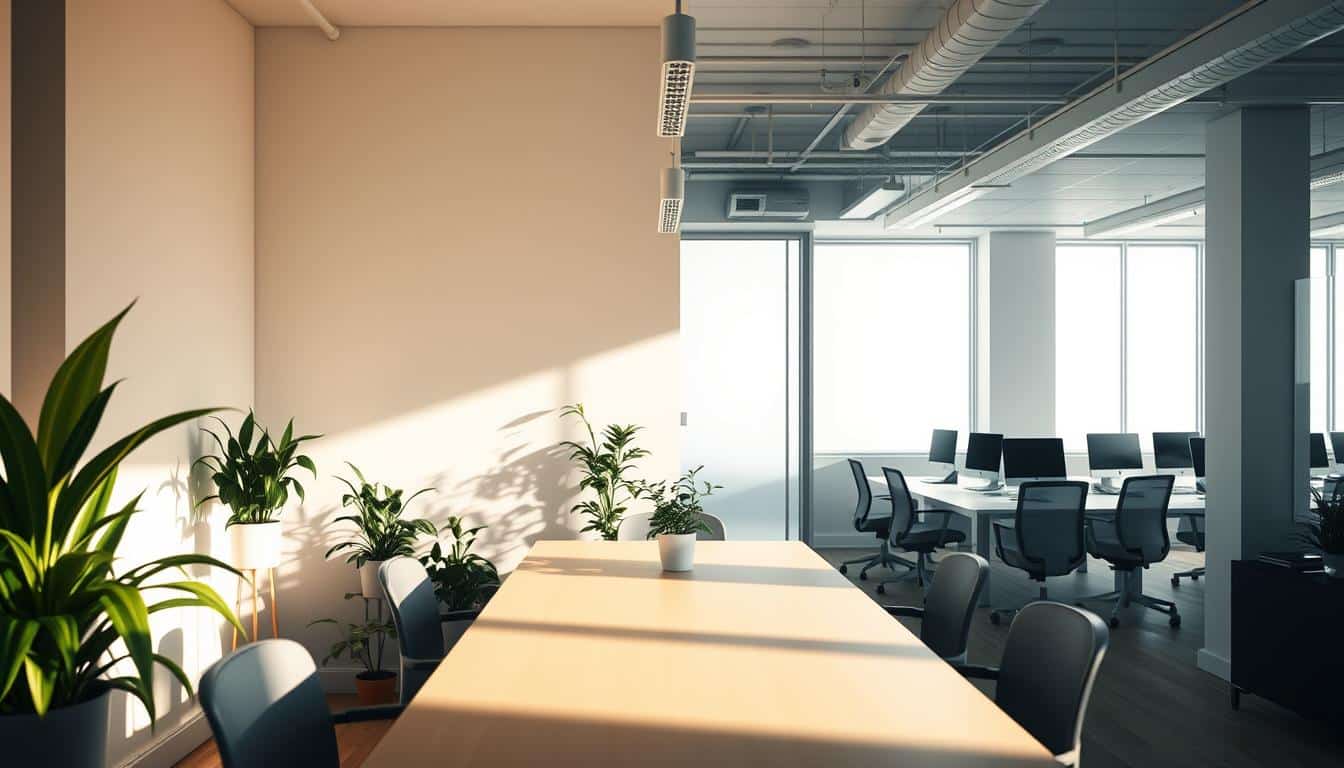
Ambient lighting is the foundational light in any workspace. It makes the room safe for moving around by providing even light. It also softens harsh contrasts and helps reduce eye strain during long work hours. The goal is to make ambient light work with task lights, not against them.
What ambient lighting provides for a workspace
Ambient light keeps dark shadows away and spreads light evenly. It’s not enough on its own for detailed work, though. Combine it with a desk lamp for reading small print or checking details closely. You can adjust the light lower when it’s quiet and turn it up when you need to focus.
Typical ambient fixtures and their placement
Ceiling fixtures give wide light coverage. Options like flush-mounts, pendants, and chandeliers offer different styles while lighting the room. These lights should make the workspace evenly lit to avoid bright spots.
Recessed lighting offers a smooth look with uniform light. Place these lights carefully to keep the lighting consistent. Dimmers allow adjustments to the light’s strength.
Floor lamps work well in small or dark rooms. They usually reflect light off the ceiling or a wall, giving a gentle light. Wall sconces and sunlight from windows or skylights add extra layers and dimensions to the lighting.
Color temperature and mood for ambient lighting
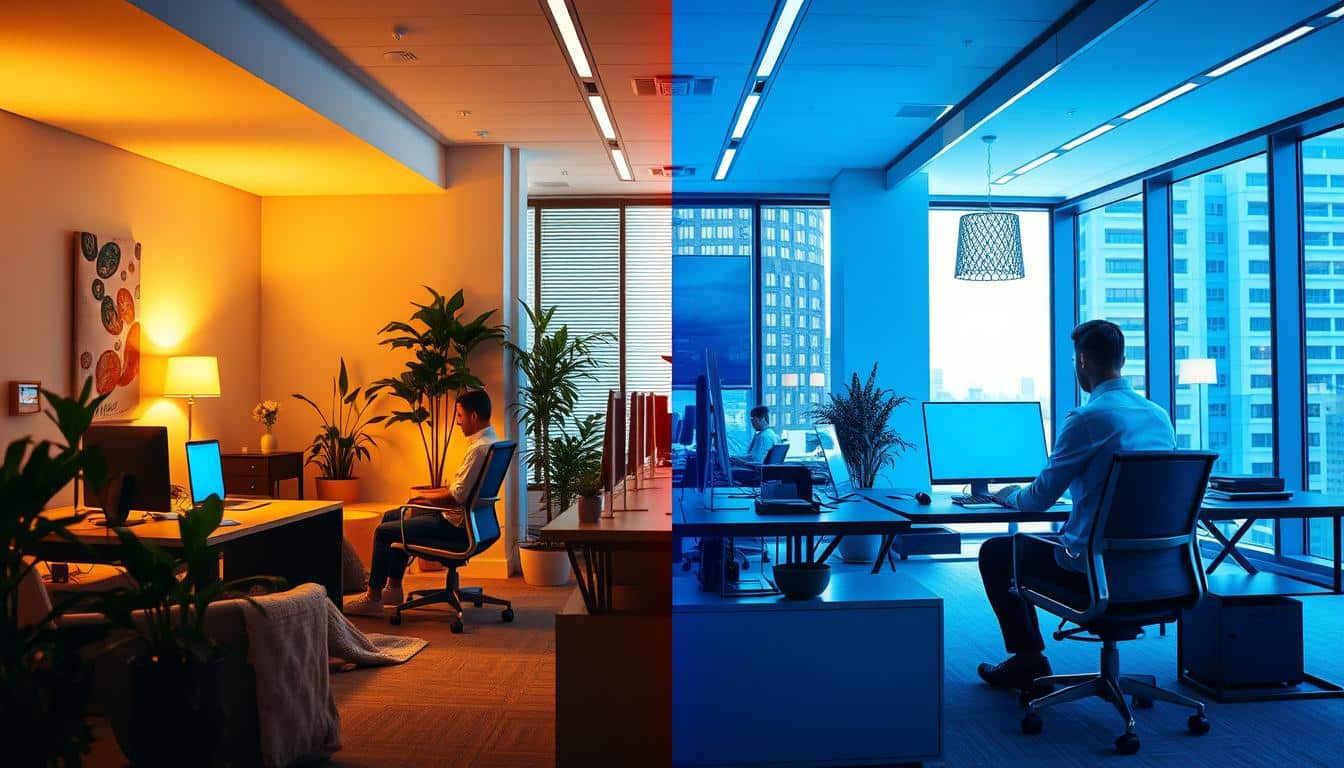
The color temperature of the light affects the mood and focus. Warm white light, around 2700K, creates a cozy environment. Neutral white, between 3500K and 4100K, offers a balance of comfort and clear sight. Cool daylight, from 5000K to 6500K, makes people more alert and is great for concentration.
Use lighting that lets you change the color temperature and brightness. This way, you can adjust the lighting to fit the time of day and work needs. Mixing ceiling and task lights helps control the light level and improves how comfortably you can see.
Task Lighting vs Ambient Lighting for Workspaces
Picking the right lights matters a lot in workspaces. We will explore task and ambient lighting. You’ll learn about light intensity for both and get tips to handle glare. We’ll also talk about how color temperature affects your space.
Direct comparison of purpose and intensity
Task lighting helps you see details on your work area. It’s perfect for reading, drafting, or precise work and should be around 500 lux at your desk. When using a computer, aim for light between 450–700 lumens. For tasks needing more focus, choose 700–1,000+ lumens.
Ambient lighting spreads soft light throughout the room. It makes sure the light is even and reduces harsh contrasts. It’s not as bright as task lighting but helps keep your eyes from tiring, especially when switching between screens and paper.
Placement and glare management
Set up task lights to shine on your workspace but not off your monitor. To avoid sun glare, position screens away from direct light from windows. Use lamps with adjustable arms to change the light’s direction and reach easily.
Light bars on your monitor can make your desk brighter without making it hard to see the screen. Don’t use bright overhead lights that shine directly on you during video calls. A gentle light above your monitor looks better than a strong ceiling light.
In rooms without windows, use a floor lamp for soft overall light and a desk lamp for focused tasks. Adjustable dimmers on both will let you control light contrast all day. This keeps glare down and prevents eye strain.
Color temperature and visual comfort trade-offs
Cooler light, between 5000K–6000K, keeps you alert and helps you see clearly. But it might feel too stark if it’s the only light you use. Whites in the 3500K–4100K range are a sweet spot for working comfortably for hours.
Warmer tones, around 2700K–3000K, are cozy but might not be great for concentration if they’re your main light. Using a task light that lets you change the color temperature is smart. Or choose a bright task light and a warmer ambient light. This mix helps with color balance and reduces contrast.
- Lighting intensity comparison: set task light to meet lux and lumen targets; keep ambient lower for even field.
- Glare management workspace: use adjustable arms, monitor bars, and dimmers to control reflections.
- Color temperature trade-offs: neutral task light with warmer ambient yields comfort and focus.
How to Layer Lighting for Optimal Productivity and Comfort
Start with a lighting plan. Mix ambient, task, and accent lighting to lessen eye strain and boost focus. Make sure you can adjust the lighting as you move from work to rest.
Layering rules for a balanced home office
- Don’t just use one overhead light. Combine general and task lighting for a balanced glow.
- Task lighting should be brighter than general lighting but avoid sharp contrasts that can glare on screens.
- Place lights beside monitors. Use fixtures like swing-arm lamps to keep light off screens.
- Add dimmer switches throughout to adjust lighting to the time of day and specific tasks.
Practical setup examples for different room sizes
- For a small, windowless room, go for a floor lamp with a soft shade and an adjustable desk lamp. Dimmable bulbs help reduce glare at night.
- In a medium-sized office, use overhead dimmable lights for general lighting. Add a light bar and an adjustable lamp for tasks. A ring light can make video calls better without being too bright.
- For a large or professional space, layer in recessed lighting with floor lamps and sconces. Choose a high-quality task lamp for accurate color work. Accent lights can add interest during long video calls.
Controls and adaptability
- Set up multiple control levels and smart bulbs for quick scene changes like “Focus” or “Video Call.”
- Adjustable white light fixtures let you change from cool to warm light as needed.
- Program your dimmers so the lighting changes with your schedule or task automatically.
By following these tips and examples, you can create a lighting setup that helps you work better. It will also keep you comfortable and adjust with your needs.
Product Recommendations and Setup Tiers for Workspaces
Pick gear that matches your budget and work style. We’ve outlined three setup levels focusing on brightness, color, and where to place everything. You’ll also find quick fixes for issues like monitor glare and uneven lighting.
Budget setup
- Start with: a bendable LED desk lamp (dim it if you can) and a cheap floor lamp with a linen shade for a cozy glow.
- About lumens: choose a desk lamp with 450–700 lumens for computer tasks; go above 700 lumens for frequent document reading.
- Where to put it: place the lamp on one side to reduce monitor glare. Use warm or neutral bulbs if you can’t adjust the color.
Mid-range setup
- What to add: include a monitor light bar to free up desk space and lessen glare, plus a programmable floor lamp or bulbs for adjusting the room’s hue.
- The upside: gain more control over light intensity and shades for focused work and comfort. Combine a monitor light bar with adjustable desk lamps for various lighting layers.
- What to look for: choose light bars with even lighting and lamps that can tilt, swivel, and dim smoothly for strong mid-range performance.
Premium setup
- Top-notch choices: opt for an adjustable high-CRI (90+) task lamp with wide dimming range and color temperature options, overhead dimmable lights for overall ambiance, and accent lights for depth.
- Goals to hit: Ensure task lighting is brighter than the surroundings for about 500 lux when needed. Use color-changing systems ranging from 2700K to 6000K for different moods.
- The result: This approach gives you a pro-level, layered lighting setup. It’s perfect for demanding tasks, precise color work, and looking good on video calls.
Troubleshooting common lighting problems
- Screen glare: move your desk so it’s not facing windows directly, place lights to the side, or use a monitor hood. Dim your light or switch to a downward-facing monitor light bar to lessen reflections.
- Bad video call lighting: put a light right above or next to your monitor. A small ring light or a special conference lamp gives better skin tone than just ceiling lights.
- Too much contrast causing eye strain: use a general light to soften the difference between your desk and the room. In small spaces, pair a gentle floor lamp with a flexible desk lamp for a cozy feel.
- Choosing bulbs: go by lumens and CCT for your common tasks. For high-end setups, use CRI 90+ bulbs for true color in design work and reviews.
Conclusion
The best workspace lighting mixes task lights and ambient lights for the perfect setup. For detailed tasks, task lights need to be adjustable, dimmable, and have a CRI over 90. They should give around 500 lux. Ambient lights help by reducing harsh contrasts and making it easier on your eyes. This mix helps you stay focused longer without getting tired.
To avoid glare, keep monitors away from direct light from windows. Use light bars or desk lamps to manage reflections well. For intense work, pick lights with cool colors. Warmer lights are great for breaks. Features like smart controls and tunable lights let you change your lighting based on what you’re doing and the time of day.
Making these changes can turn your home office into a space that’s both healthier and more efficient. Choosing the right lights, where to place them, and how to control them can create a work environment that boosts focus and comfort.
Content created with the help of Artificial Intelligence.