Working in a room without windows can feel cramped and draining. Smart lighting can transform those walls into a productive, comfortable workspace. This guide shows how to light a windowless home office with layered lighting, color temperature choices, and tricks that make it feel like natural daylight is coming in.
Good lighting in a windowless office stops eye strain, headaches, and fatigue. It also helps us focus better and feel happier. You will get tips on choosing artificial daylight for home offices, putting together task and ambient lights, and using shiny finishes to spread light around the room.
Besides bulbs and fixtures, we’ll talk about how paint colors, mirror placements, and decorations can add depth to windowless rooms. The article will also go into plant-friendly lights, smart ways to dim and control them, and setups that look good on video calls. This way, your space feels bright, healthy, and looks professional.
Key Takeaways
- Layer ambient, task, and accent lighting to replicate natural light and reduce eye strain.
- Choose color temperatures and lumen levels that support focus and comfort throughout the day.
- Use light paint, mirrors, and reflective surfaces to make the room feel larger and brighter.
- Select fixtures and smart controls that allow dimming and scene-setting for work tasks and video calls.
- Integrate plant-friendly light and natural accents to improve mood and air quality in a windowless office.
How to Light a Windowless Home Office
Good lighting can change how a room feels and your performance in it. In a windowless home office, lighting becomes more than just decoration. It can reduce eye strain, help keep your body clock on track, and make a small space feel open and welcoming.
Why lighting matters for mood, health, and productivity
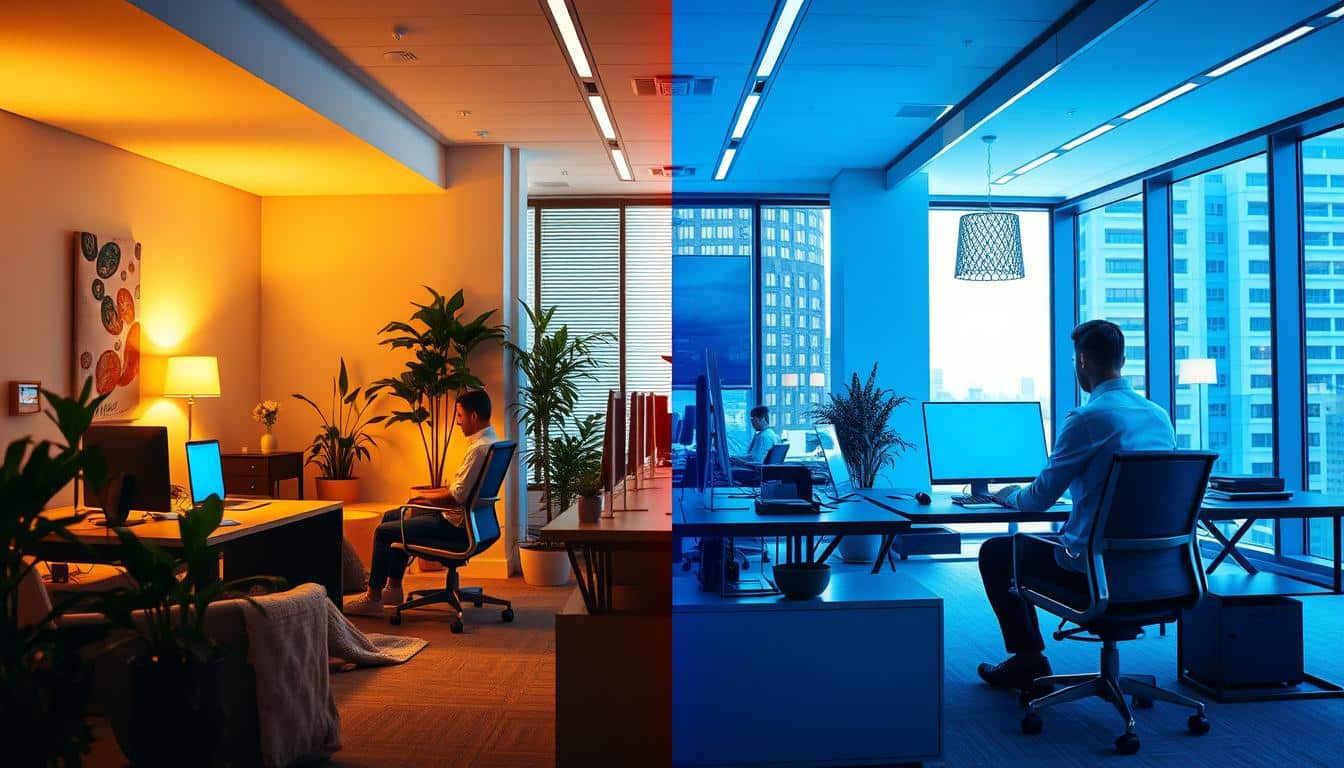
Light impacts your alertness, mood, and how well you think. Bright, cool light around 5000K can improve focus during work. Warmer light under 3000K reduces stress and helps you relax. A good lighting plan can stop headaches, tiredness, and poor focus caused by bad lighting.
Poor lighting can harm morale and cut into creativity and teamwork. Studies show bad light can drain energy and mess with stress levels. But, a good lighting setup improves mood and health, and keeps you energized all day.
Overview of layered lighting approach
Layered lighting adds control and depth to a room. Using just one light can cause glare and contrast issues. A layered approach mixes light sources for a natural, balanced feel.
- Ambient task accent lighting: Start with a soft ambient base, add focused task lamps for desks, and use accent lights to highlight art or faux windows.
- Dimming and zoning: Use dimmable fixtures and separate circuits to change settings for work or video calls.
- Practical setup: Place task lights at the work surface. Angle ambient lights to avoid glare. Choose low-glare LED options with high CRI for true color and comfort.
Layered lighting makes a windowless office feel naturally deeper. It helps achieve goals for lighting and productivity. And it takes care of your mood and health during work.
Best Color Temperatures and Light Levels for a Windowless Office
Choosing the right lighting for a windowless office is key. It should change as the day progresses, meet the needs of different tasks, and ease the strain on your eyes. It’s best to use a mix of light sources and controls to adjust the light’s strength and color.
Optimal color temperatures for focus and comfort
During the day, cool daylight colors between 5000K–6500K are best. They simulate natural light and keep you alert. At night, switch to a warmer glow between 2700K–3000K. This helps you relax. Tools like Philips Hue or LutronCaseta bulbs make switching easy and help maintain a natural sleep-wake cycle.
Recommended lumen and task lighting values
For tasks like reading, aim for a light intensity of 300–500 lumens right where you’re working. When you’re on video calls, a softer light from the front should be about 600–800 lumens. It softens shadows and makes you look better on camera. Make sure the room’s lighting is balanced so it’s never too dim or overly bright.
Full-spectrum and light quality considerations
Pick lighting with a high CRI value, over 90 if you can. This helps colors look true and reduces eye tiredness. Full-spectrum LEDs are great as they closely imitate natural light. They minimize color distortion, aiding in accurate material and skin tone assessment.
- Use full-spectrum LEDs with luminous efficacy near 70–100 lm/W for energy efficiency.
- If retrofitting fluorescents, consider filters or replacement tubes that approximate daylight spectra.
- Combine a dedicated task lamp, adjustable ambient fixtures, and a soft frontal light for video to meet recommended lighting levels for video calls.
Don’t forget about dimmers and adjustable color bulbs in your setup. They allow you to switch from the optimal color temperature for work to warmer tones for relaxation at night. Correctly adjusted lighting not only feels better but also enhances the clarity of visual tasks and makes video calls appear more natural.
Design Techniques to Make the Space Feel Brighter and Larger
A windowless office can turn into a bright space with the right design. Use finishes that reflect light and choose colors that help you relax or focus. Adding layers without making it crowded helps too.
Paint, finishes, and color psychology
Pick light, nature-inspired paint colors for your walls and ceilings. Use soft greens, light blues, pale greys, and creams. Add touches of pastels like pink, yellow, or pistachio to bring in calm or happiness. A little bright yellow can boost your energy and help you focus better.
Choose satin or eggshell finishes for walls to reflect light. Use a matte finish for the ceiling to cut down on glare. Add accents of natural materials like brick or wood. They add interest without making the room darker.
Mirror placement and reflective surfaces
Use mirrors to make the room look bigger and brighter. Put big mirrors across from main light sources for best effect. But don’t overdo it, or it might feel confusing.
Add bits of shine with glass tables, metal fixtures, and glossy pots. They brighten the space. Mirrors near shelves or behind lights increase light even more.
Architectural and faux-window solutions
Hang faux window LED panels where real windows would go. They look like daylight. Pair them with dimming controls to change light throughout the day.
Add hidden lighting behind furniture for a soft glow. Using recessed lights with uplights can make the ceiling look higher. This makes the room feel bigger.
- Install LED panels as fake windows. Use dimmers to change the light.
- Put cove lighting around the edges to brighten walls and add depth.
- Hide LED strips behind furniture for a soft, indirect light.
By choosing smart paint, placing mirrors wisely, and using architectural lighting, you can create a workspace that feels open and bright. This helps with focusing and feeling good while you work.
Fixture Choices and Layouts to Reduce Eye Strain and Boost Productivity
Good lighting starts with the right combination of fixtures. Use a blend of task lamps, ambient uplighting, and diffuse accents. This creates a balanced light area. Also, place lights at different heights to avoid shadows on your screen.
Task lighting and adjustable fixtures
Pick task lights that are adjustable and have full-spectrum LEDs. They provide clear color and are easy on the eyes. The Lighting Research Center recommends 300–500 lumens for desk tasks. Place your desk lamp on the opposite side of your dominant hand to minimize shadows.
When choosing lighting, aim for an efficiency of 70–100 lumens per watt. This way, you save energy and still get plenty of light.
Ambient and indirect lighting options
Instead of just overhead lights, add floor and table lamps. They add depth to your space. Use hidden LEDs and cove lighting for a natural effect, similar to window light. Uplights can reduce the contrast between your monitor and the room around it.
Smart controls and dimming strategies
Using dimmable LEDs and smart bulbs lets you change light intensity and color. Set lighting scenes for different times of the day to help you focus or relax. Connect them with systems like Philips Hue or Lutron Caseta for easy scheduling.
- Place task lamps to the side opposite your writing hand to prevent shadows.
- Position ambient uplights behind or beside monitors to reduce screen glare.
- Layer floor, table, and cove lights at varied heights to lower contrast.
- Use adjustable task lights with full-spectrum bulbs to reduce eye fatigue.
- Set smart lighting scenes that shift color and intensity across the day.
Using these layout tips can make even windowless offices feel more natural. Thoughtful choice and placement of fixtures will also lessen eye strain. All this helps make your work environment more comfortable and boosts your productivity.
Integrating Greenery, Decor, and Tech for a Natural, Comfortable Workspace
Make your workspace feel alive with the right mix of plants, art, and gadgets. Even small changes can make rooms without windows feel comfy. Choose routines that help your plants stay healthy, keep the air clean, and make sure your space smells good and is well-lit.
Plant selection and plant-friendly lighting
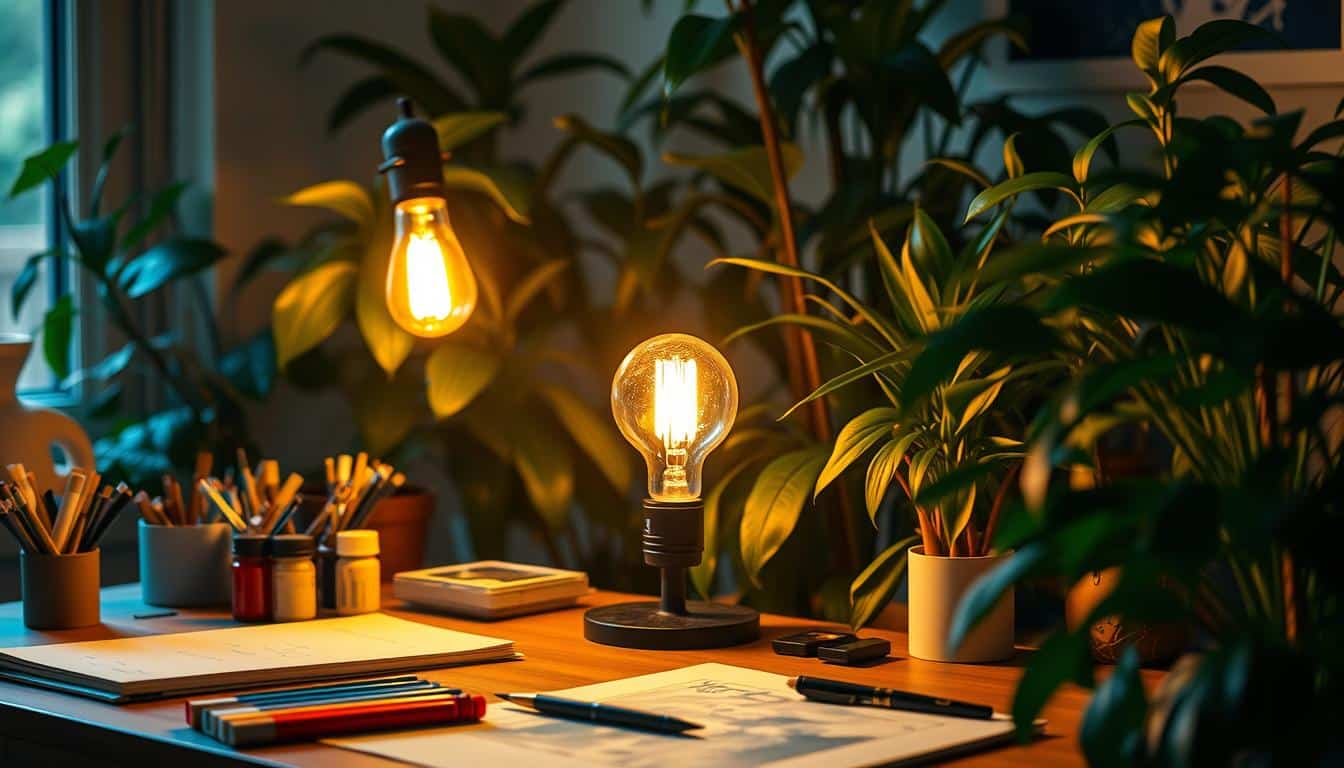
Opt for office plants that do well in low light, like the snake plant, pothos, peace lily, spider plant, and Chinese evergreen. Place them where they’ll get artificial light and add grow lights if there’s no natural light. Aim for a grow lights’ PPFD around 200 μmol/m²/s to ensure your plants thrive.
Caring for plants should be easy: clean their leaves every month, water them just a bit since they drink less in dim light, and use timers for your grow lights to mimic natural day and night. This routine helps plants grow and makes your job easier.
Artwork, murals, and decorative elements that simulate outdoors
Add big nature prints or fake window murals to feel like you have an outside view. Scenes of the ocean, gardens, or forests are great. Use high-CRI LED lights to make photos’ colors pop and look real.
Set up your decor so your art and plants enhance each other. Big pictures can distract from not having real windows and make long work hours nicer.
Air quality, scent, and comfort considerations
Keep your workspace free from dampness and mildew by using a dehumidifier, especially if you don’t have windows. Small air purifiers with HEPA filters help keep the air clean. Choose gentle scents like peppermint or lavender to help you focus or relax.
Use diffusers with timers so you don’t get tired of the scent in spaces with poor airflow. Combine dehumidifiers and purifiers with automated controls for an easy upkeep.
Video conferencing and camera-ready lighting
To look good on camera, use a soft light from the front, such as a ring light or softbox, with 600–800 lumens. Stay away from harsh overhead lights that create shadow. Also, light up the background softly to keep the picture’s exposure even during video calls.
Remember these tips for video calls: aim for even lighting on your face, choose a warm or neutral light color for a natural look, and adjust the background light so you stay the focus. Use lights that are easy to adjust with your plant lights and smart tech for a quick setup.
- Use grow lights with timers to support plants and match human-centric lighting schedules.
- Place a dehumidifier for windowless room protection near potential damp spots.
- Highlight artwork with high-CRI bulbs to preserve color accuracy on camera.
Conclusion
Good lighting can change a windowless home office from a dark space to one that helps you focus, stay healthy, and be creative. Use strong task lights paired with softer ambient lights, like hidden LEDs, to get clear, comfortable light. This mix helps avoid eye strain and can lift your mood.
For a windowless office, try painting the walls with light-reflecting colors and adding mirrors. You can also use fake window ideas, like LED panels in frames, for a natural feel. Pick LEDs that mimic daylight for the daytime and softer light for the evening. Smart, adjustable bulbs let you switch settings for work, video calls, or relaxing.
Choose comfortable furniture and add plants that don’t need much light. Keeping air moist and using gentle scents can also make your office nicer. Decorating smartly and using technology can show off your brand and make the office feel better, even without windows.
To sum up: get good quality lights for tasks and the room, control the color of the light, and use decorative mirrors or fake windows. Adding these can make a big difference in a windowless office, making it better for work and overall well-being.
Content created with the help of Artificial Intelligence.