The colors we pick can impact how a team works and feels. In this piece, we explore Blue vs Green for workspaces. We dive into how colors in the office can help or hinder us, backed by studies from the U.S.
Blue is often seen as a top color for work. It helps with focus and clear thinking. This makes blue a great choice for places where you need to think hard, like at desks or in meeting spots.
Green, on the other hand, is about finding balance and getting some rest. It’s linked to nature and helps reduce eye strain and stress during busy days. Mixing blue and green in certain spots, like break areas, can spark new ideas.
We use insights from Angela Wright’s work on how colors affect us, practical tips from Color Psychology, and studies on how colors change how we feel physically. Our aim is to help bosses, designers, and teams make smart choices about colors. This includes what colors to use, how intense they should be, and where to put them.
Key Takeaways
- Blue often enhances focus and analytical performance in work settings.
- Green promotes balance, reduces eye strain, and suits long shifts.
- Match color intensity to task type: saturated tones energize, muted tones soothe.
- Use a blue green workspace strategically by zoning focus, collaboration, and rest areas.
- Test shades and gather employee feedback before a full rollout.
Understanding Color Psychology and Productivity
Color impacts the brain when light hits our eyes. This light then converts into signals that affect our mood and actions. This connection explains how color can change how we behave and feel at work.
Experts in design and research use this knowledge to make informed decisions. By picking specific colors, offices can boost focus, creativity, and wellbeing. This strategy is part of the larger study linking colors to how well we do tasks.
How color affects the brain and behavior
Our first response to color is usually automatic, like feeling happy, alert, or calm. Seeing the same colors often can influence our mood and habits over time. Companies that get this can create spaces that help with focus, team work, or relaxation.
Angela Wright’s color affects system: mind, body, emotions, balance
Angela Wright’s model breaks down color into four main areas. Blue is for the mind and thinking. Red energizes and prompts action. Yellow sparks emotions, confidence, and social interaction. Green balances the mind, body, and emotions.
Combining colors leads to mixed effects. Wright’s system provides a guide for choosing colors based on workplace needs.
Intensity and saturation: when a color stimulates versus soothes
The effect of a color isn’t just about the shade. It’s also about how intense or soft the color is. Bright colors wake us up and grab our attention. Softer colors relax us and are easier on our eyes.
- Bright, saturated blue can grab our attention quickly.
- A softer grey-blue is gentle and good for long hours of work.
- Strong red can pump us up but might be too much if there’s a lot of it.
Here’s a tip: decide what you want to improve—mind, body, emotions, or balance. Then pick a color and intensity that match your goal. But remember, the setting, lighting, and other colors around also play a role in the effect.
Blue: Psychological Effects and Workplace Benefits
Blue helps improve steadiness and clarity in workplaces. Studies show blue promotes calmness and focused effort. It shapes how teams tackle detailed tasks and long work periods.
Blue and cognitive performance: focus, concentration, and mental clarity
Cool blues aid in tasks needing accuracy and concentration. Teams in accounting and data analysis find fewer distractions in such environments.
Designers say blue boosts focus best with good task lighting. Small blue decorations around work areas help keep attention sharp.
Recommended blue shades and intensity for workspaces
Pick blue shades that are not too bright for work areas. Light grey-blues are easy on the eyes for long hours. Bright blues can strain the eyes.
See how paint looks under office lights before choosing. Designers like low-saturation blues for walls and vibrant blues for accents.
Best workplace areas for blue accents (meeting rooms, focus zones, research)
- Meeting rooms with blue help in clear thinking and decisions; they lessen stress during talks.
- Focus zones work well with soft blue furnishings, signaling it’s time to concentrate.
- Research areas benefit from blue touches that help with focus but keep the team vibe.
Potential drawbacks of blue (appetite suppression, darker shades and sadness)
Avoid too much blue in eating areas as it can reduce hunger. Very dark blues might make some feel cold or sad.
Mix dark blues with warm colors like orange or yellow to keep things balanced. This keeps the focus up without dampening spirits.
When adding blue to workspaces, do so wisely. Choose blue shades that match the work needing focus. Test these effects in the real world before going all-in.
Green: Psychological Effects and Workplace Benefits
Green creates a restful environment that’s perfect for many work settings. It reduces eye strain and keeps attention during long work hours. It’s especially good for jobs involving a lot of screen time or detailed tasks, say designers and psychologists.
Green and balance: calm, reduced eye strain, long-shift suitability
Mid-range greens make you feel more balanced in mind, body, and feelings, following Angela Wright’s ideas. These greens are great for people who need to stay focused without getting overstimulated. Workers feel less tired in their eyes in places with natural green colors. This makes green a top choice for busy places like control rooms and design studios.
Link to nature, stress relief, and creativity
Green reminds us of nature and helps us feel calm and less stressed. Places like hospitals and shared workspaces use green to make people less anxious. It also shows they care about quality. Creative groups find green backgrounds help them think of new ideas in a peaceful way.
Recommended green shades and where to place them
Pick green colors that are not too bright or too dark. Go for shades like sage, olive, and muted fern. These are good for walls, parts of furniture, and fabrics. Use these greens in spots where workers hang out, at their desks, or in places meant for rest to get the most out of green’s positive effects.
- Desks and workstations: soft sage accents on dividers to reduce glare.
- Lounges and break rooms: olive or fern textiles for restorative breaks.
- Quiet zones and brainstorming corners: muted greens to aid creativity.
Potential drawbacks: stagnation if overused
Using too much green might make energetic teams feel stuck. In places like sales areas, too much green might lower the sense of urgency. To avoid this, mix green with brighter colors or use it mainly in spots meant for rest or creative thinking, not everywhere.
Blue vs Green: Which Is Better for Work?
Choosing blue or green can change your mood, focus, and comfort. This guide compares the two colors for different jobs. It also gives tips on using color in offices, studios, and clinics.
Compare cognitive tasks versus creative and restorative tasks
Blue is great for cognitive work. It’s perfect for accountants, analysts, legal teams, and labs. Blue boosts concentration and mental sharpness.
Green sparks creativity and helps you relax. It’s ideal for design studios, lounges, and therapy rooms. Green reduces eye strain and keeps you going for longer periods.
Task-based recommendations: when to choose blue, when to choose green
- Go with blue for mental tasks: accounting, data review, legal work, important meetings, and research.
- Pick green for creative or relaxing tasks: design projects, brainstorming, employee areas, clinics, and night shifts.
- Add yellow or orange for a cheerful and creative boost, especially where there’s a lot of blue or green.
- Use red in areas with lots of movement or where safety is key, but only a little to avoid overdoing it.
How intensity and hue alter the comparative effect
Bright blue makes you more alert and sharpens your senses. A soft grey-blue calms you and keeps emotions in check. Choose the intensity depending on your needs.
Mid-level green is soothing without being boring. Soft sage is easy on the eyes. But too bright greens should only be small decorations, as they can make you tense.
Research highlights and expert commentary synthesizing current sources
Angela Wright’s work shows how colors affect us differently, helping pick the right one for our tasks. Space Refinery says blue helps focus, while green boosts creativity and rest. Articles mention how blue and green keep us calm, red increases heart rate, and yellow makes us happier.
This info sheds light on why blue and green affect work productivity differently. Use color tips wisely to make workspaces better.
Combining Blue and Green with Other Colors for Optimal Results
Choosing the right colors helps teams feel and work better. Use blue and green thoughtfully to create a calm base. Add neutral colors like gray or white to keep the space welcoming yet focused.
Using accents to spark emotion and creativity
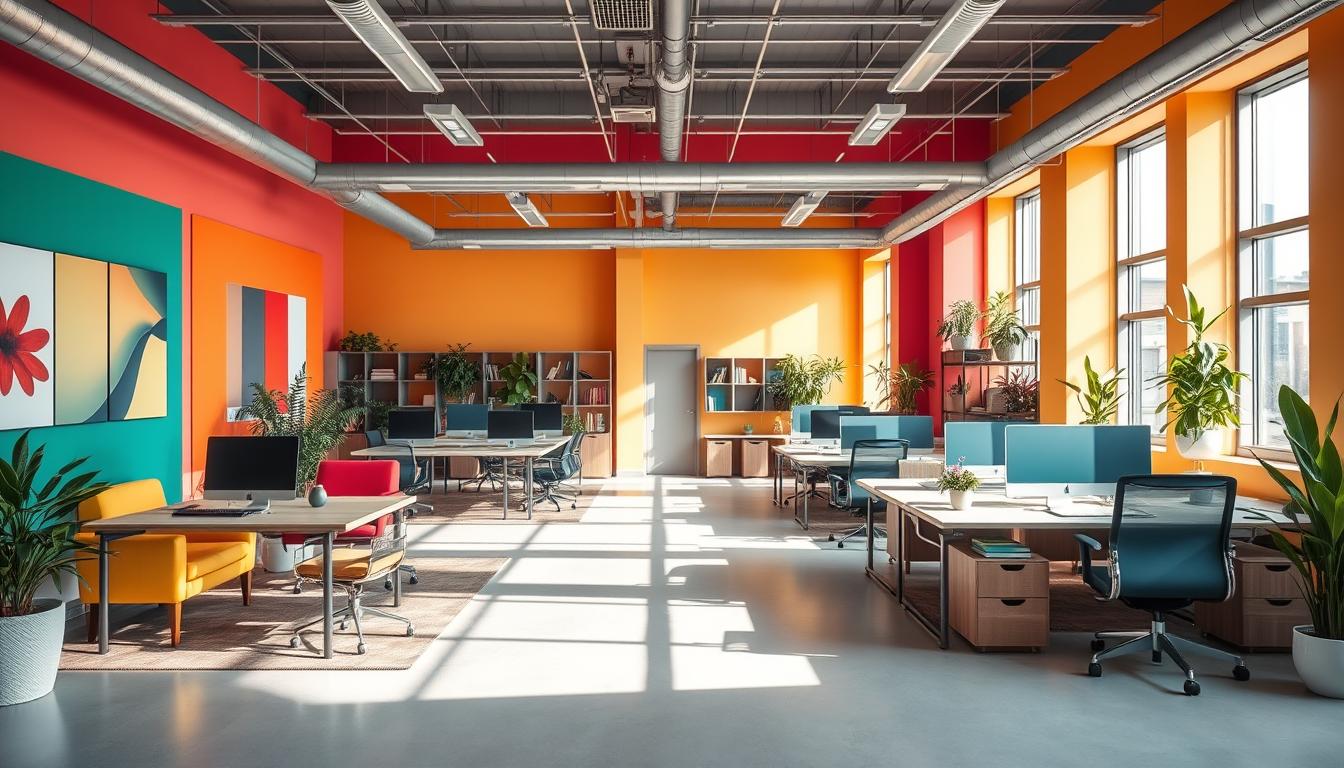
Add some orange to blue spaces to bring warmth and energy. Items like orange pillows, a clock, or art can change the mood. This doesn’t take away from the room’s focus. Yellow works great in creative spaces for a boost of optimism.
Neutral anchors for balance
Neutrals like white, gray, and beige keep bright colors in check. White makes spaces feel brighter and bigger. Beige adds warmth, making long work hours easier. Gray furniture helps maintain a calm and focused atmosphere.
Design tips to avoid overstimulation
- Limit highly saturated hues to accent walls or movable decor to avoid overstimulation colors across the whole office.
- Test swatches under real lighting and view them at different times of day before painting.
- Start with a proportion rule: 60% neutral anchors, 30% base color, 10% accents as a guide for color combinations office.
- Introduce color with chairs, rugs, or art so you can iterate quickly without costly repainting.
- Ensure legibility by using high contrast for text and signage rather than dark-on-dark schemes.
When mixing blue, green, and other colors, balance is key. Blue and green with orange touches make a space that’s both lively and peaceful.
Practical Office Design Strategies and Case Examples
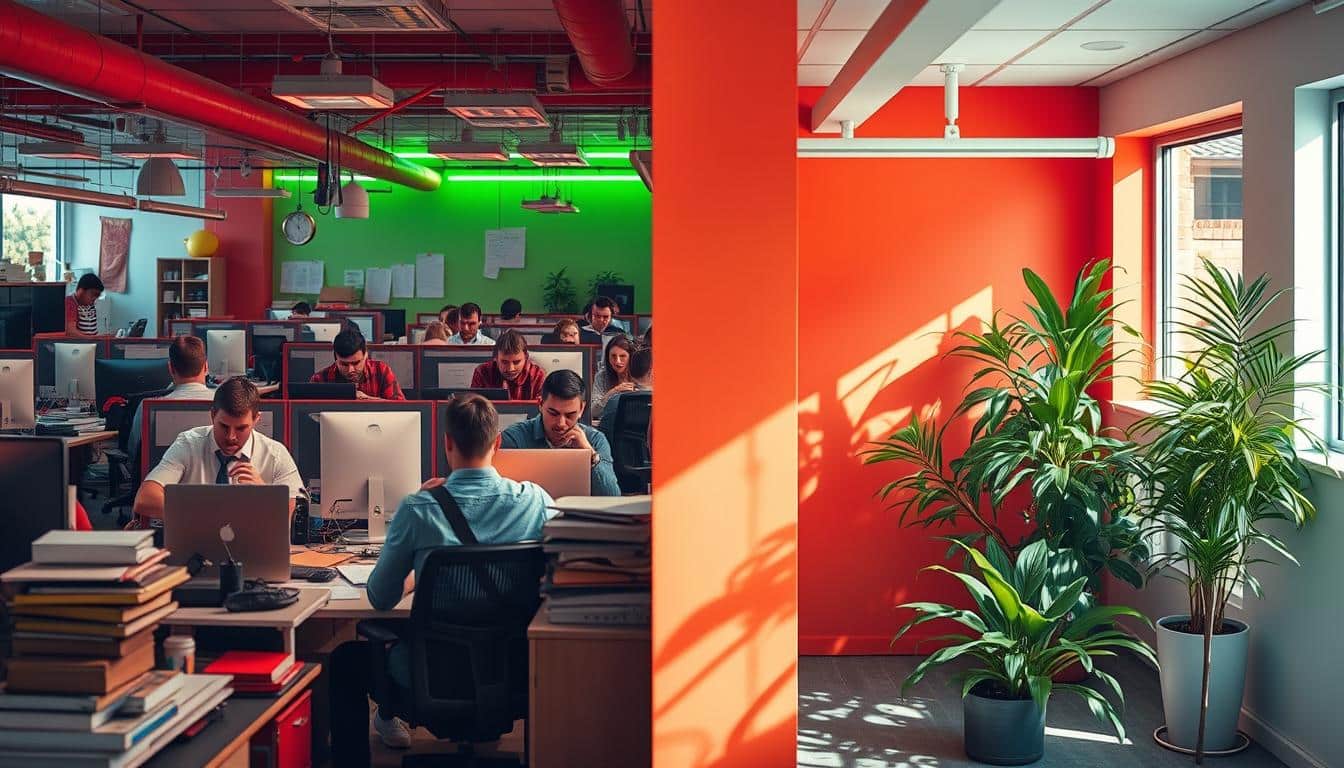
First, map tasks to specific areas. Use color in the office to match tasks with the right mood. Cool colors work for quiet spaces, warm ones for meeting spots, and nature hues for breaks. This plan makes the office easier to navigate and cuts down on distractions.
Applying color by zone: focus areas, collaboration zones, relaxation spaces
Focus rooms get blue touches to help with concentration. Use soft blues on walls and panels to keep things calm. Near desks, green items help reduce eye strain from long work hours.
In areas meant for teamwork, add vibrant oranges or gentle yellows on furniture and dividers. Use neutral colors for big areas to avoid making them too busy. In rest areas, mix in plants and soft green colors to create a relaxing space.
Real-world examples and pro-tips
At the Ayming Benelux office, blue accents in focus and meeting rooms enhance thoughtful work. This approach helps define productive spaces.
In Brussels, co-working places like PeterLily and Manistal use green to foster calm and connection. Green and white in hospitals offer a clean and calming environment for patients.
- Tip: Try bold color furniture before painting walls.
- Tip: Use colored signs or rugs to highlight an area’s use without new paint.
- Tip: Color-coded movable items in multi-purpose rooms can quickly change the atmosphere.
Materials, lighting, and saturation: how context changes color effects
Materials and light alter how colors look. Matte greens seem softer, while shiny blues appear brighter. The type of material can change a color’s feel and depth.
Test colors under the lighting you’ll use. Natural light shows true colors the best. But, artificial light can change how blues and greens look. Adding vibrant color touches to furniture keeps things lively without cluttering the view.
Looking at case studies helps understand color perception. A bold wall in a large space might be too much. But, a bright chair can add just the right amount of energy to a work area.
How to Choose the Right Shade for Your Team
Start by mapping roles to desired outcomes. Roles like accounting and research do well with cool tones that help focus. Creative roles such as designers and marketers thrive with lively colors to inspire creativity. Customer support and developers benefit from green shades, reducing eye strain. Choose colors that suit each area’s function.
Try out small tests before going all in. Use panels or dividers with different colors to see what works best. Make sure the lighting is like it would be in a regular day. Keep these tests short, from two to six weeks, to get honest feedback without overwhelming anyone.
After each test, see what your team thinks about the new colors. Ask them how they feel and if they’re more productive. Include people from various departments to get a wide range of opinions. Use their feedback to make smart choices, keeping your main design goals in mind.
- Use guided surveys that mix scale ratings and open comments.
- Host quick focus groups with samples present.
- Record anecdotal notes alongside survey data.
Decide on a few clear ways to see if the color helps. Look at things like how happy people are, errors made, and how long tasks take. See how these change with the new color. Blend these stats with personal comments to see if the color achieves its purpose.
If feedback suggests tweaks, make them based on what you learned. For example, if green is too boring, try adding a bit more vividness. If blue makes people too mellow, sprinkle in some orange or yellow in areas where people work together. Prefer changing small things over repainting everything.
Keep in mind how light changes with the seasons. Check if your color choice still works after a few months. When you expand or change teams, do more tests to keep your office design in tune with what people need.
Conclusion
Blue and green are great for workspaces. Blue helps with focus and analysis. It’s good for detailed tasks. Green reduces eye strain and helps calmness. It boosts creativity and helps people work longer shifts.
When choosing the best color for work, think about what you need. Do you need focus, creativity, or wellbeing? Choose colors that help or calm. Adding orange or yellow can bring energy. But, use white, gray, or beige to keep things balanced. Try out changes with sample walls or furniture. Always get feedback from your team.
Follow Angela Wright’s advice for using color. Think about the effect you want on people. Then, choose your color and its brightness. Remember, light, materials, and color combos can change how a color works. Since everyone is different, test and see what works best. To find the best color for your office, track how well tasks are done, mistakes, and how happy everyone is. Then, use what really makes a difference in focus, creativity, or comfort.
Content created with the help of Artificial Intelligence.