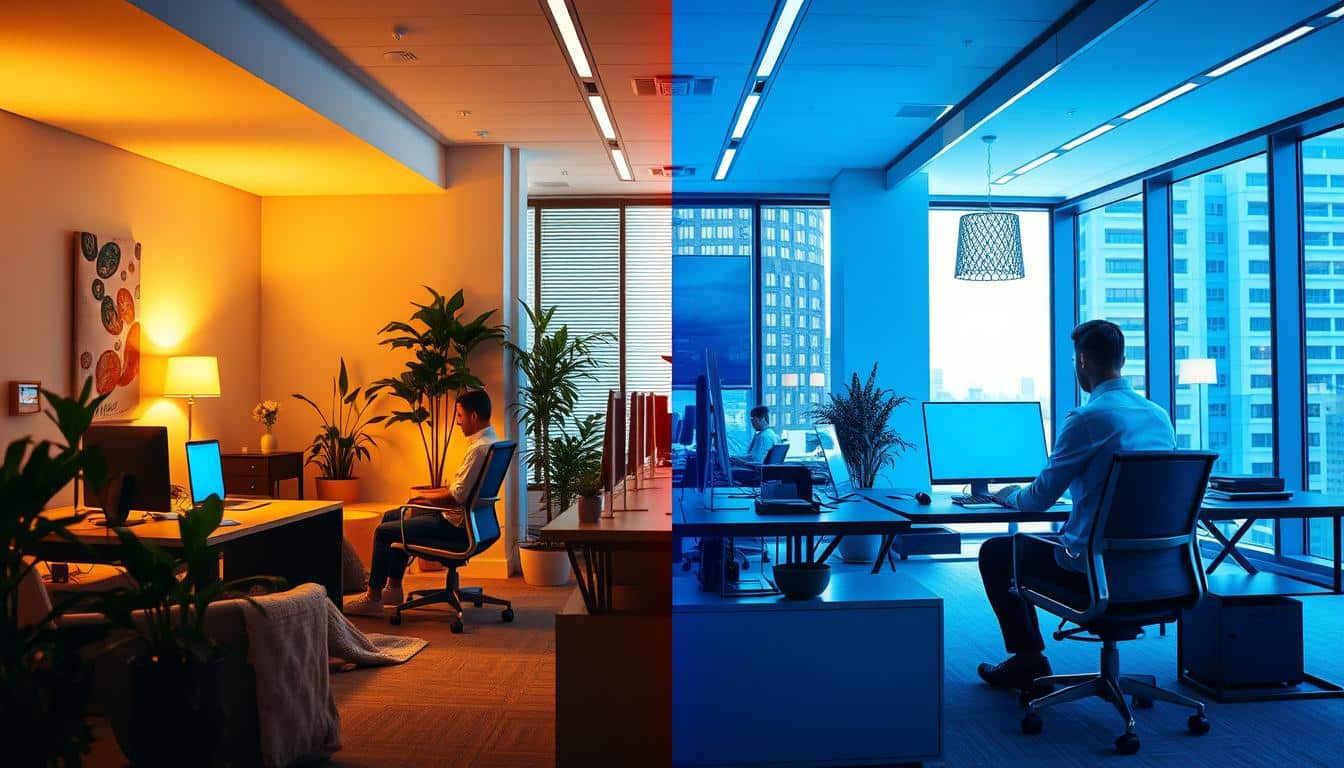
Getting your home office lighting right is about more than looking good. A smart Office Lighting Setup for Remote Workers mixes natural and man-made light to fit our body clocks. Studies from iMovR find that bright, blue light in the morning helps wake us up by keeping melatonin low and making us more alert. On the other hand, softer, warmer light at night helps us relax. According to Cornell University, having access to sunlight can make people up to 40% more productive. Additionally, experts at Edge Light point out that combining sunlight with adjustable lights can boost mood, comfort, and how well we do tasks, especially during video calls or when we need to focus hard.
Lighting in a remote work setting impacts our sleep, alertness, and comfort over time. Those who work on computers a lot, like programmers or engineers, tend to sit in one spot for hours. Without good lighting, this can make our eyes tired and chip away at our focus. By wisely choosing light color, brightness, and how we control them, we can fight tiredness and stay engaged in our work longer.
In this article, we share tips on setting up your home office lights to help you work better. You’ll find out how to use daylight, select the right light fixtures, and adjust settings to fit your work life. The aim is to have lighting that not only looks good but also boosts your health, focus, and work performance.
Key Takeaways
- Align lighting with circadian rhythms: brighter, cooler light in the morning; warmer, dimmer light in the evening.
- Combine natural light and adjustable artificial fixtures for better mood and visual comfort.
- Good workspace lighting optimization lowers eye strain and sustains concentration for screen-heavy professionals.
- Small fixture upgrades and smart controls can deliver major productivity lighting gains.
- Prioritize placement and glare control to make daylight work for you, not against you.
Why Lighting Matters for Remote Worker Productivity
Light influences how well we work and feel throughout the day. Proper circadian rhythm lighting uses natural body signals. It keeps remote teams alert during the day and helps them relax at night. Bad lighting choices, however, mix up these signals. This confusion harms focus and can lead to headaches.
How light affects circadian rhythm and alertness
Early morning light wakes up the brain with quick chemical changes. It reduces sleepiness-causing melatonin and raises cortisol to make us more alert. At night, dimmer and warmer light helps increase melatonin for sleep. Those with optimal lighting experience better focus, alertness, and quicker reactions.
Performance and health benefits of daylight exposure
Sunlight raises serotonin levels, enhancing mood and mental clarity. Studies link natural light in workplaces to big jumps in productivity. A desk by a window can boost a remote worker’s health and energy, as long as you manage glare and direct sunlight.
Lacking natural light? Adjustable lights that copy natural light’s changes offer similar benefits. Lights that change from cool to warm light keep natural body rhythms and focus steady.
Common problems caused by poor lighting
Bad lighting setups add stress to working on screens. Too dim or bright lights, harsh reflections, and wrong color temperature cause glare and eye strain. Poor LEDs can flicker or show colors wrongly, making eyes tired faster.
- Aim for roughly 500 lux at desk level to avoid under- or over-brightness.
- Reposition monitors or add blinds to cut direct sun and screen reflections.
- Choose stable drivers and higher CRI to reduce headaches and improve color accuracy.
Effective home-office lighting needs the right timing, brightness, and colors. Addressing glare and eye strain with circadian rhythm lighting helps keep you productive all day.
Key Lighting Metrics to Choose the Right Fixtures
Choosing the right light fixtures involves understanding key measurements. Keep an eye on brightness, color balance, and driver quality. These factors ensure the light matches your task and protects your eyes. Here are helpful tips for picking out desk lamps, ceiling lights, or monitor light bars.
Lumens and target brightness for desk work
Lumens tell us how much light you see. Aim for 800–1,500 lumens for your whole workspace, depending on its size. Here are lumens to look for with specific desk activities:
- General computer work: 450–700 lumens for the desk surface.
- Reading and writing: 700–1,000 lumens to avoid eye strain.
- Detailed tasks: 1,000+ lumens for clear detail work.
Choose lumens based on your work to prevent too much or too little light.
Color temperature and when to use each range
Color temperature, measured in Kelvin (K), changes how light looks and feels. Use warm light (2700–3000K) to relax in the evening. Neutral light (3500–4100K) is good for everyday tasks. Brighter light (4000–5000K) is best for daytime focus. For maximum alertness, go for 5000–6500K, though it can be too bright in the evening.
With adjustable LED lights or smart bulbs, you can change the color temp throughout the day. This supports your natural body clock.
CRI, flicker, and other technical specs
The CRI rating shows how accurate colors look under the light. Most office spaces will need a CRI of at least 80. Designers and those working with color should look for CRI 90 or above for the best color accuracy.
- Opt for flicker-free LEDs with stable drivers to avoid flickering that leads to headaches and tired eyes.
- Consider asymmetric optics or monitor light bars like BenQ ScreenBar Halo 2. They light up your desk and minimize screen glare.
- Focus on LEDs with a long life and reliable drivers for consistent light over time.
To make your setup easier on the eyes, aim for about 500 lux at your desk. This balances your screen’s brightness with the surrounding light, reducing contrast glare during long periods of work.
Layered Lighting Strategy for Home Offices
A layered lighting setup mixes general, task, and accent lighting. This combo helps the eyes relax and keeps the mind sharp. Begin with a plan that balances sunlight and electric lights, avoiding sharp light contrasts. This approach uses many light sources for various activities and times.
Ambient lighting as the foundation
The base layer, ambient lighting, should light the room evenly without causing glare. Opt for ceiling lights with diffusers, soft-shaded floor lamps, or recessed LEDs to brighten every corner. If you can, use dimmers to adjust to the outdoor light and ease eye stress in the evening.
Task lighting for deep work and focused tasks
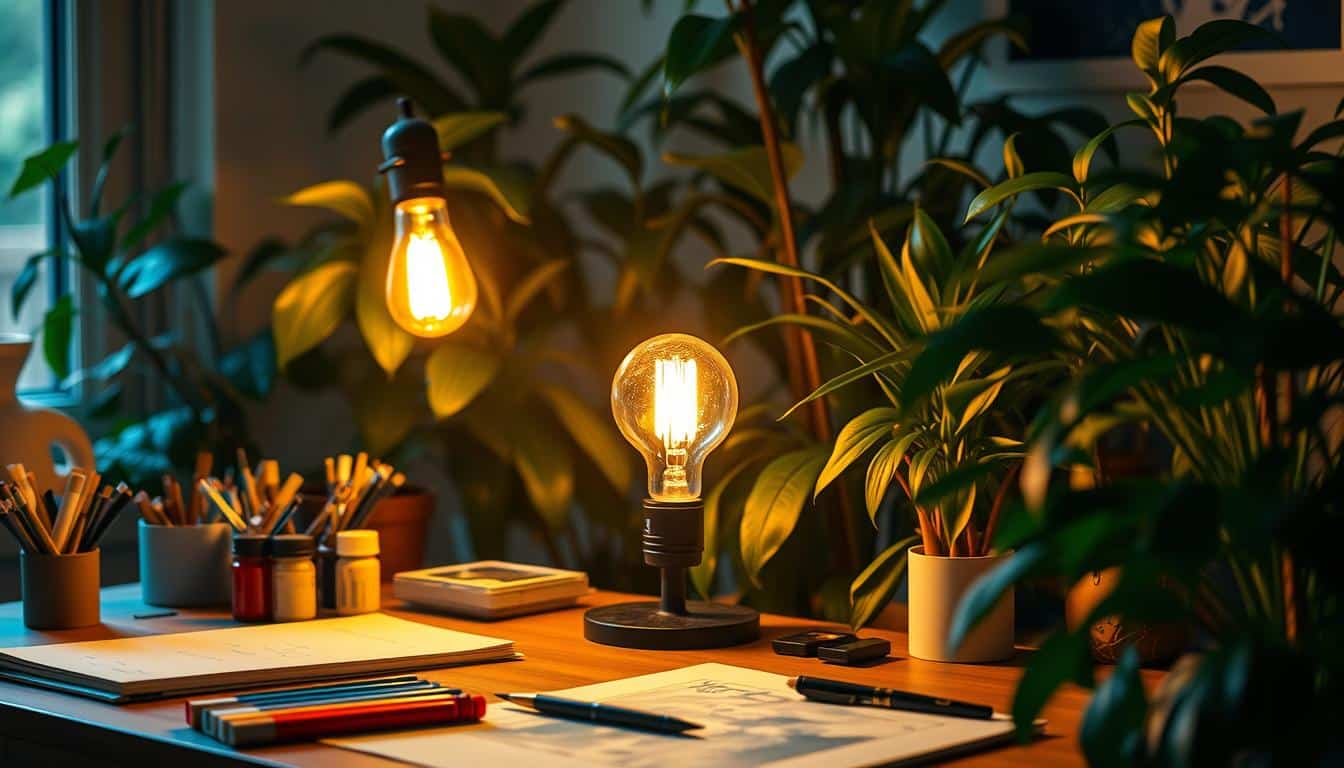
Task lighting focuses on your work area, reducing eyestrain. Place a desk lamp at a 45-degree angle to your main hand to avoid shadows. Choose lamps with adjustable heads and color temperatures for a clear, yet soft light that doesn’t overpower the room’s main light.
Accent and monitor backlighting to reduce glare
Accent lighting and monitor backlights ease the difference between a bright screen and a dark room. Use LED bars or diffused tape lights behind the screen to lessen glare and eye fatigue. Make sure the backlighting illuminates the wall behind your monitor, not the screen, to minimize glare.
- Combine ambient and task lights for smooth transitions between digital and paper tasks.
- Choose adjustable lighting like asymmetric beam light bars for a screen-friendly workspace.
- Select soft accent lighting behind your screen to lower contrast gently.
Layered lighting simplifies each part of your day. With solid ambient lighting, precise task lighting, and smart monitor backlighting, you create an eye-friendly workspace. This environment reduces strain and boosts productivity.
Office Lighting Setup for Remote Workers
Good lighting can make your home desk a great place to work. This guide will show you how to use natural light, set up your desk, pick the right lights, and use smart bulbs. Smart bulbs can make it easy to change from day to night.
Optimizing natural light: placement and glare control
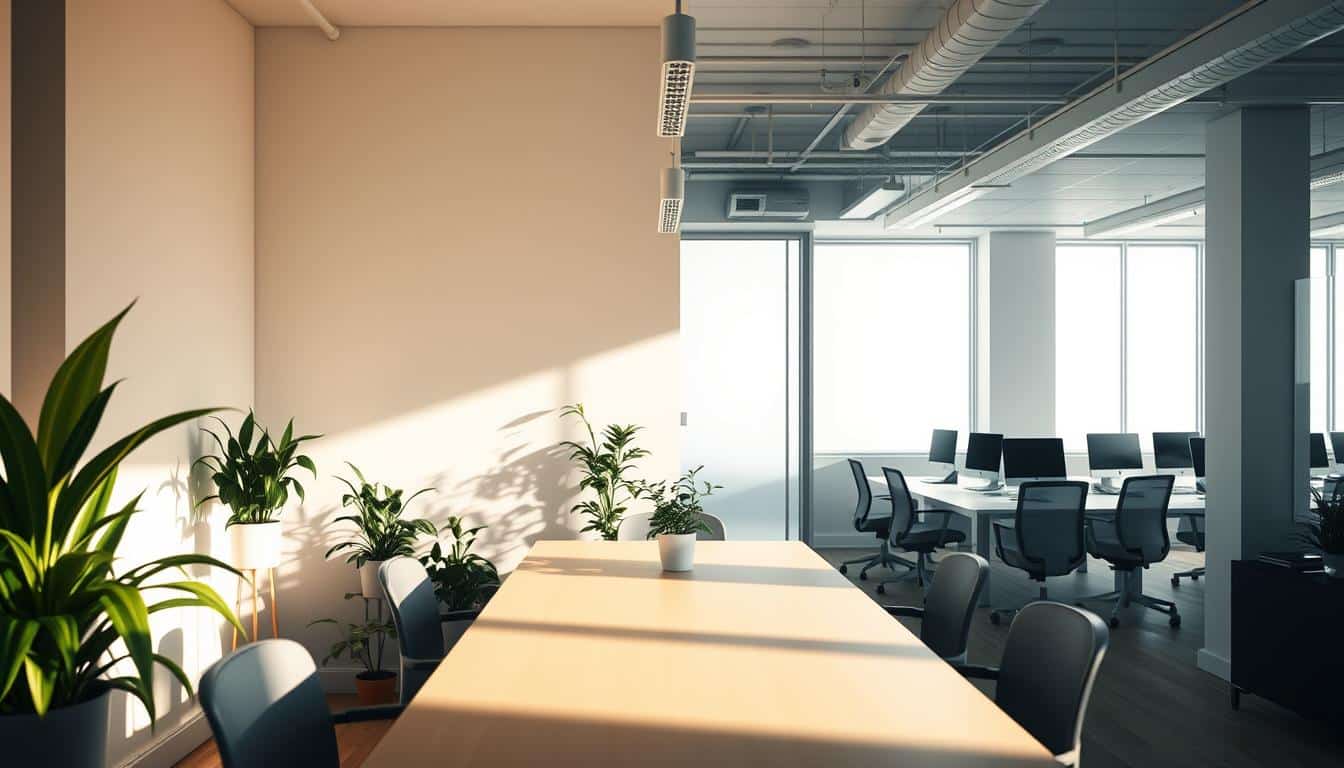
Put your desk where daylight comes from the side or a 45-degree angle. This helps avoid glare on your screen. If sunlight bothers you, change your desk or screen position.
Softening bright sunlight can be done with curtains, blinds, or diffusers. Putting shiny things near windows can light up dark areas without too much brightness.
Recommended setups for different workstation types
- For desks near windows, have blinds for when the sun is too strong. Add a light on your monitor that lights up the keyboard but not the screen. The BenQ ScreenBar and ScreenBar Halo 2 are good for this.
- If you don’t have a window, use lights that are like daylight (5000K–6500K). They should make your desk bright enough (about 500 lux). Putting lights behind your monitor helps your eyes during long work.
- For typing, have lights on the side that make your keyboard bright but not your screen. For reading, pick a lamp with 700–1000 lumens. For video calls, a soft light in front of you helps avoid shadows.
Smart bulbs and automation for day-to-night transitions
Pick smart bulbs like Philips Hue or LIFX to change light settings through the day. Use cooler, bright light in the morning (4000–6000K) and warm, soft light in the evening (2700–3000K).
Setting up schedules and using circadian lighting means less manual work. Combine smart bulbs with dimmers and different light types to control glare and get the light you need.
Making small adjustments to where your desk is and what lights you use can really help. By controlling natural light, using the right lamps, and smart bulbs, you can make a great lighting setup for working from home.
Practical Tips and Small Fixes That Yield Big Gains
Small changes in your home office lighting can greatly increase comfort and focus. Try switching out too warm bulbs for the daytime, add a task lamp, and manage sunlight on your screen. It’s good to have about 800–1500 lumens in your workspace. This helps balance the light for work and comfort.
Quick checks and inexpensive improvements
- Switch bulbs: choose between 4000–5000K for day work and 2700–3000K for relaxing evenings.
- Measure light: aim for around 500 lux on your desk for detailed tasks.
- Task lamp: an arm lamp at 45 degrees to your hand reduces shadows.
- Diffusers and shades: they soften light from windows or lamps and cut down on glare.
Avoiding common mistakes
- Don’t just use harsh overhead lights; they cause glare and contrast issues.
- Stay away from warm bulbs during the day; they can tire you out and disrupt concentration.
- Don’t put your desk too near a bright window; it causes screen reflections.
- Look at lumen ratings and add a task light if you don’t have one.
Setup recommendations for screen-heavy professionals
- For coders, use flicker-free LEDs with a CRI ≥80 and aim for ~500 lux at your desk.
- A monitor light bar, like an asymmetric ScreenBar, reduces glare while lighting the desk evenly.
- In rooms without windows, backlighting behind the screen helps reduce contrast and eye strain.
- Choose LEDs that last long and have stable drivers to keep light consistent and flicker-free.
These easy and affordable fixes can help make your workspace clearer and more comfortable. Adjusting your desk lamp and adding a monitor light bar can reduce glare. This creates a focused, steady work environment.
Conclusion
Improving your home office lighting is easy and not costly. But it can make a big difference. It makes your work spot more comfy and you get more done. Lights that mimic natural daylight keep your brain sharp and prevent headaches.
Use natural light along with adjustable lights and lamps that go easy on your eyes. This trick helps you easily move between tasks with less stress.
Think of lighting like a basic need for your workspace. Measure how much light you get in lumens or lux, and choose LED lights with a CRI ≥80. Stay away from lights that flicker. Mixing overall room light with lights you can move helps lessen tired eyes. It also boosts how well you work on your computer, read, and look during video calls. Simple changes, like adding a special lamp to your monitor, can really improve your workspace.
To make your workspace light better, use different layers of light. Also, consider bulbs you can adjust or that are smart. This makes your home office lighting fit what you’re doing and the time of day better. Once you have the basics right—like managing glare, having the right color of light, and lighting for specific tasks—you’ll feel more comfortable. You’ll also be able to focus longer and be less distracted.
Content created with the help of Artificial Intelligence.