In many U.S. offices, outdated lighting adds to energy bills and hurts worker focus. Issues like old fixtures, a bad layout, and no controls cause eye strain and headaches. This leads to less happy workers and higher costs that could be avoided.
By switching to energy-efficient lighting and doing an LED retrofit, offices can use much less power. LEDs work longer, need less upkeep, and can save up to 80% compared to halogen. Adding smart controls and daylight sensors can boost savings and make the office more comfortable.
A good lighting plan matches fixtures and controls to the actual work and space. Using more natural light makes less need for artificial lighting, which helps creativity and sleep for the team. We will look at the top mistakes in office lighting and how to fix them for facility managers and leaders.
Key Takeaways
- Poor lighting choices drive both reduced productivity and higher energy use.
- LED office retrofit projects deliver big energy and maintenance savings.
- Smart controls—daylight dimming and occupancy sensors—are essential.
- Design lighting to task needs and maximize natural light for wellbeing.
- Addressing office lighting problems improves comfort and lowers costs.
Why Office Lighting Matters for Energy Use and Productivity
Well-chosen lighting improves work quality. It promotes alertness, affects mood, and offers comfort over time. On the flip side, bad lighting leads to distractions and discomfort. It results in less work done. We will examine how lighting impacts productivity, energy use, and standards to aim for.
Impact of lighting on employee focus, mood, and fatigue
Ideal lighting keeps employees sharp and focused. Low light or harsh contrasts make people tired and slow them down. Glare from screens can cause headaches and more time off tasks. Old lighting that flickers hurts eyes and makes it hard to focus for long.
Energy consequences of bad lighting choices
Unused lights and inefficient bulbs waste energy and money. They also increase carbon emissions. Ignoring natural light is a missed chance for free, quality lighting. Switching to LEDs and using smart tech reduces energy use and upkeep. Without proper planning, energy is wasted in big spaces.
Standards and measurable targets for office lighting
Experts use set rules to ensure comfort and save energy. They recommend about 500 lux on desks for good visibility. LEDs that offer high brightness with less energy are best. Keeping glare low at workstations avoids eye strain and boosts work efficiency.
- Focus: set task illuminance near 500 lux for desks.
- Comfort: aim for UGR ≤19 to reduce glare.
- Efficiency: choose LED solutions ≥100 lm/W and add daylight sensors.
Common Fixture and Technology Errors That Waste Energy
Many offices cling to old fixtures, expecting them to work like new ones. This leads to higher bills and discomfort. Small changes in fixtures and lamps can save a lot of energy and make the workplace better.
Reliance on outdated fluorescent and halogen systems
Fluorescent tubes and halogen bulbs aren’t efficient. They use too much energy and get very hot. They also flicker, make noise, and break often. Compared to LEDs, they’re more costly to maintain and less efficient.
Choosing bulbs with poor lumen-per-watt performance
Choosing bulbs that don’t shine bright for each watt makes offices use more lights. It’s smarter to pick fixtures that give about 100 lm/W or more. This way, you need less energy for the same brightness. LEDs also last longer and adjust brightness better than old bulbs.
Ignoring Unified Glare Rating and visual comfort
Bad lighting can hurt your eyes and make you less productive. Use lights with a UGR of 19 or less to keep screens easy to see. Add shields and special lenses to cut down on glare.
Picking the right lights for offices, not just pretty ones, makes a big difference. Teams that look at LEDs versus halogens usually see that LEDs are better for saving energy and keeping eyes comfortable.
Design and Layout Mistakes That Reduce Efficiency
Poor design planning can waste energy in the long run. Professional lighting designs stop problems like uneven brightness, glare, and dark spots. These problems make us use more artificial light. A good lighting plan considers details like the height of the ceiling, how surfaces reflect light, what the space is used for, and the ideal light level.
Guessing how many lights you need can make some areas too bright and others too dark. If you have to adjust the lighting later, it can get expensive. A well-thought-out lighting plan means you don’t have to keep upgrading and helps control energy costs.
Lighting that can’t adapt to new layouts can cost more over time. If lights are fixed, you might have to rewire or use extra lamps that aren’t as efficient. But, using systems like 1-circuit and 3-circuit tracks, or flexible ceiling grids, makes it easy to change things with little hassle.
Starting with adaptable lighting reduces downtime and stops wasted energy from wrong lighting levels. Solutions like track lighting and modular systems support growth and changes smoothly, without big remodels.
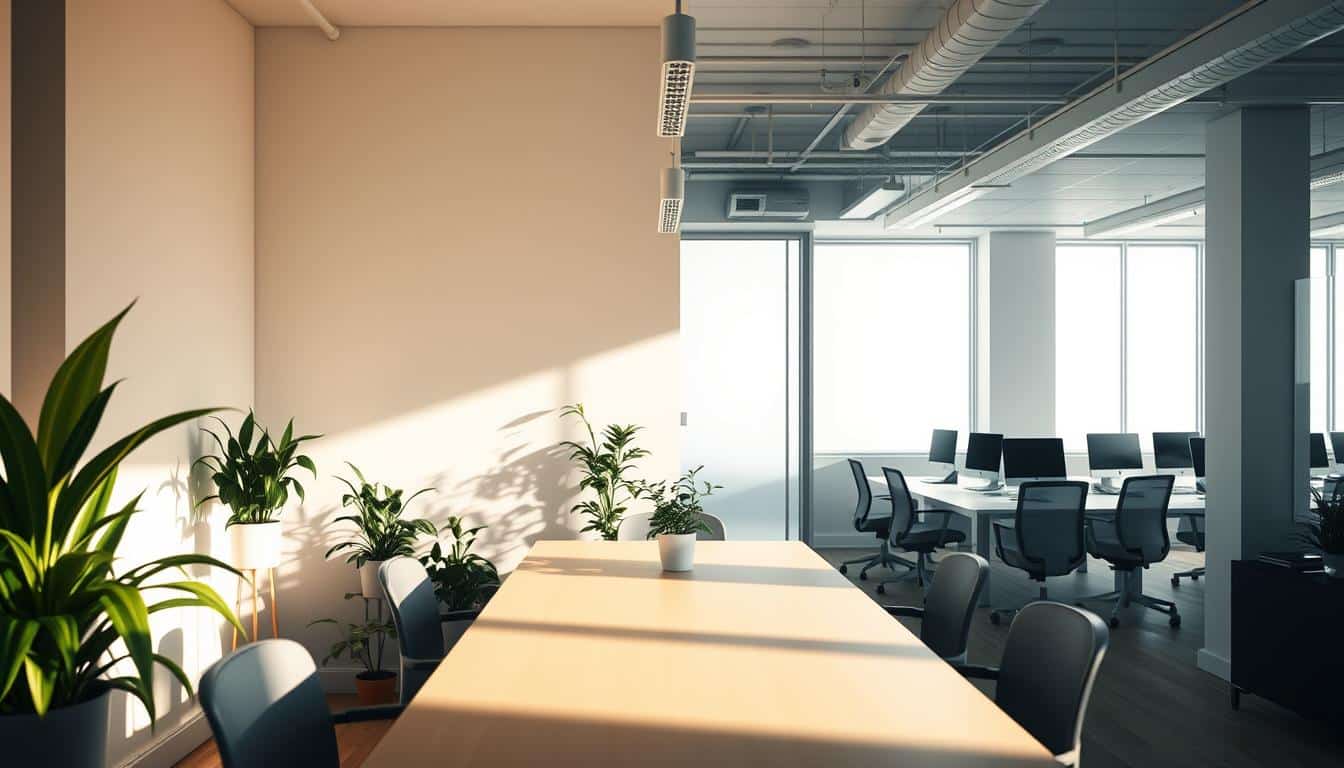
Using solid walls or blocking windows lessens natural light and increases the need for electric lights. Small changes, like using glass partitions and choosing brighter finishes, can bring in more sunlight. This makes office spaces nicer for everyone.
- Use daylight strategies that combine glazing, reflective surfaces, and interior layout to extend natural light reach.
- Integrate daylight-responsive controls to dim electric lighting when enough daylight is present.
- Prioritize sightlines and furniture placement to avoid shading key work zones.
Combining daylight strategies, a custom lighting plan, and flexible lighting options boosts energy efficiency and helps people feel better at work. Smart design means less reliance on artificial light, while keeping the office looking good, no matter how it’s arranged.
Control and Operational Mistakes That Lead to Energy Waste
Bad habits in operating equipment can cancel out the benefits of efficient fixtures. Making small tweaks to how systems are controlled and taking regular care of them can greatly reduce energy use and improve comfort for people using the space.
Keeping lights on when a room is empty uses unnecessary power and makes bulbs burn out faster. Adding motion sensors and setting timers for meeting rooms, hallways, and storage areas can help. These controls, together with the option for manual control, ensure safety and ease of use. They also prevent lights from being on when they’re not needed.
Not taking advantage of natural daylight means full reliance on artificial lighting even when it’s not necessary. By setting up systems that automatically dim electric lights based on the natural light available, we use less power. Controlling lights in different zones and adjusting them for specific tasks can further cut energy use in large spaces or buildings with many tenants.
Skipping regular maintenance on lighting systems leads to increased energy usage and more complaints. It’s important to clean, replace, and service parts like lenses, lamps, and ballasts routinely to keep the light output strong. This type of upkeep not only saves energy but also prolongs the life of the lighting system and helps it stay efficient despite wear and tear.
Ignoring problems like flickering lights can affect how comfortable people feel in a space and could mean parts are about to fail. Flickering might be caused by old or failing parts in fluorescents or LEDs. Upgrading to modern, flicker-free LED drivers and keeping track of when parts are due for replacement can help to prevent larger issues from arising.
- Use lighting controls for vacancy and scheduling to cut wasted run time.
- Combine occupancy sensors with daylight dimming and zoning for dynamic savings.
- Prioritize lighting maintenance and replace flicker-prone components early.
Settings and Specification Mistakes That Harm Comfort and Efficiency
Good lighting is all about the right settings and specs. Simple mistakes in color choice, brightness, and fixture type can make a space uncomfortable. They can also lower work output and increase energy costs. We’ll look at common errors and how to fix them for offices.
Selecting inappropriate color temperature for tasks
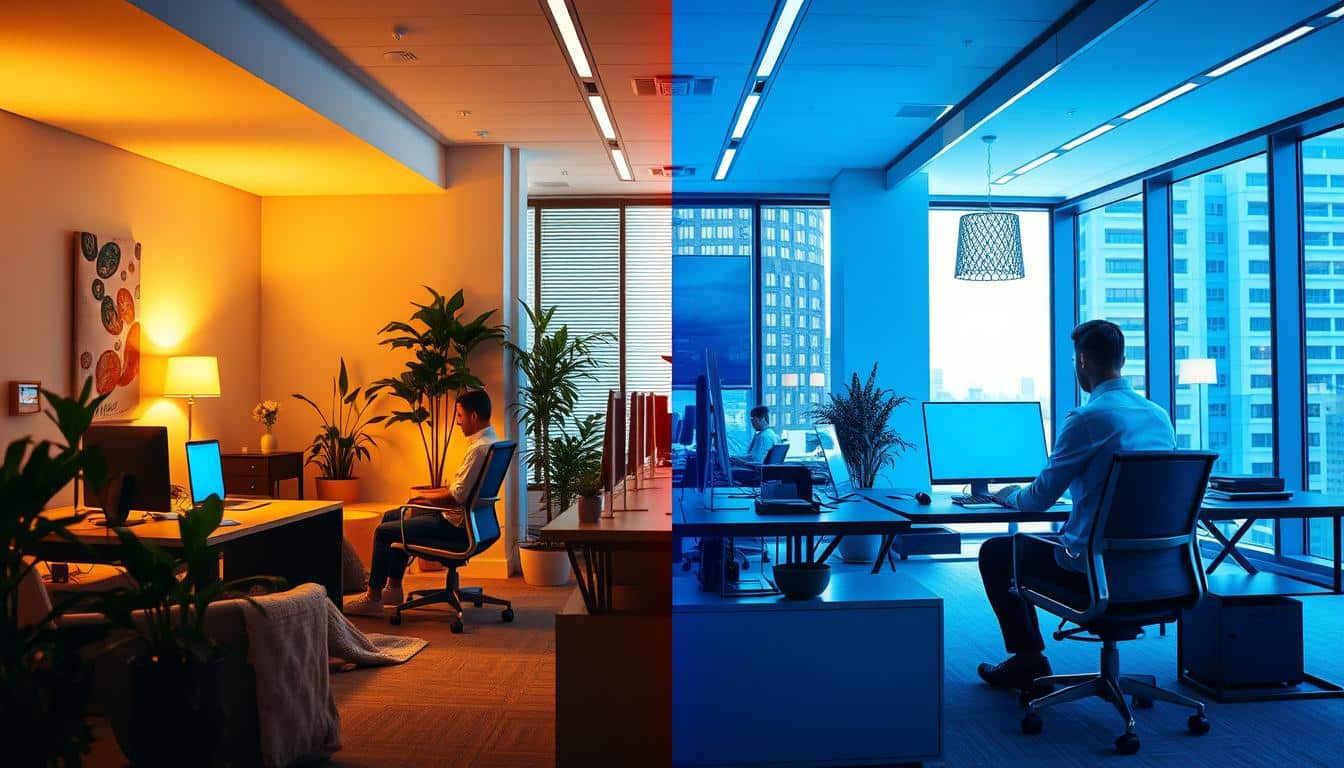
Choosing the wrong color temperature can hurt focus and mess with our body clocks. A color temperature around 4000K is best for most office work. It helps people stay alert and works well with computer screens. For places like waiting areas, a warmer light between 2700–3300K is better.
It’s important to pick the light color based on the room’s use, natural lighting, and what people need.
Overlighting because “brighter is better”
Too much light is a waste and can cause glare. Instead of making everything super bright, aim for the right amount of light. For work that needs attention to detail, about 500 lux is usually perfect. Using different lights for specific tasks can help avoid too much light and save energy.
Using decorative or unsuitable spotlights at desks
Decorative lights at desks often cause glare and don’t help much with work. These should be used for decoration in public spaces instead. For desks, it’s better to use professional lights that reduce glare.
- Specify CCT per area rather than a single building-wide value.
- Use dedicated task lighting to reduce general lighting loads.
- Choose office-grade fixtures and check UGR and lumen output before purchase.
- Calibrate scenes and dimming so correlated color temperature shifts do not upset comfort.
Choosing specs carefully can improve comfort and reduce waste. Picking the right CCT, using proper task lights, and avoiding too much light can make office spaces better and more efficient.
Conclusion
Let’s sum up how to fix your office lighting today. Replace old lights with high-efficiency LEDs that have 100 lm/W or more. Choose lights for your desks that have low glare, with a UGR of 19 or less. Also, design your lighting to give about 500 lux in areas where you need strong light. This keeps everyone comfortable while saving energy.
What you do every day is as important as the equipment you choose. Use lights that dim based on daylight and turn off when no one is there. Regular checks can prevent flicker and keep lights bright. Install flexible lights that you can easily move and use natural light by planning your space well and using glass partitions. Picking the right color temperature for each work area makes it comfy and efficient. This helps save energy too.
Making these changes is good for your business. New lights and smart systems lower your energy bills, need less upkeep, and are better for the planet. They also make workers happier and more productive. Start with a professional check of your lights. Focus on switching to LEDs and using smart controls. Keep an eye on light levels, glare, and how much energy you’re using to see how much you’re improving.
Content created with the help of Artificial Intelligence.